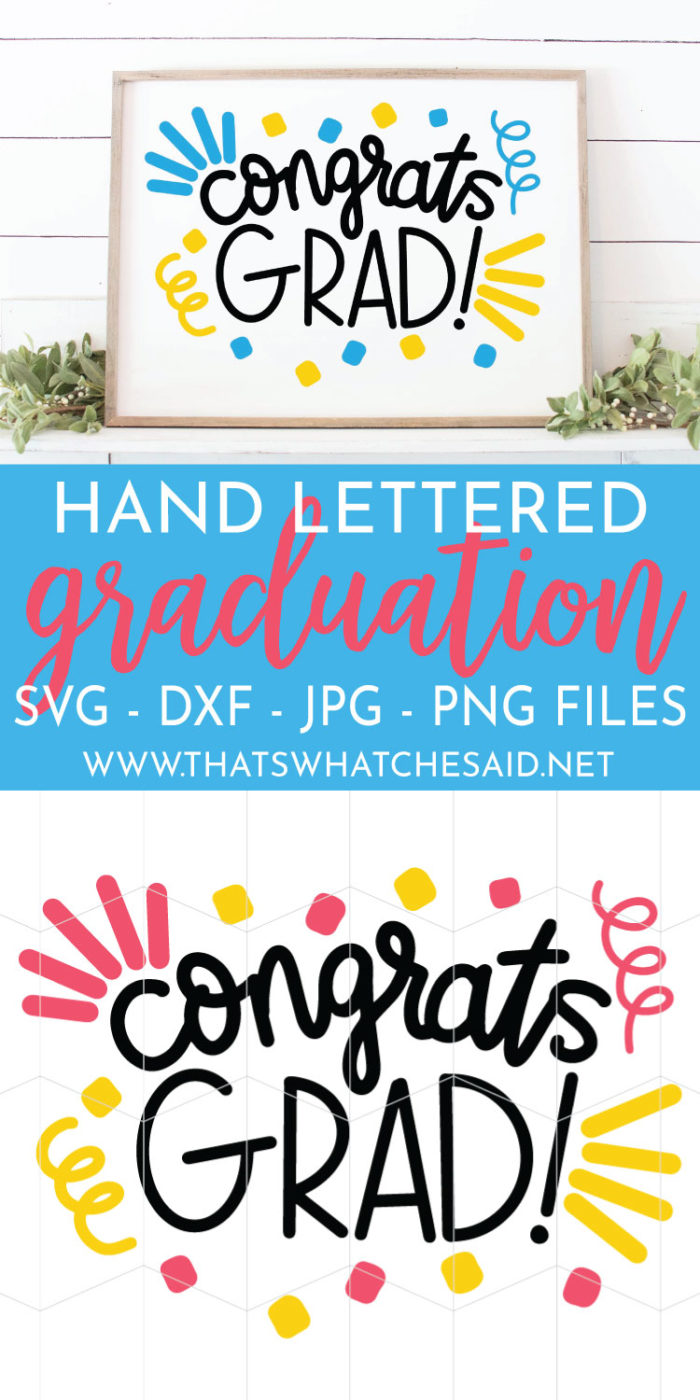
If you have a special graduate in your life, this “Congrats Grad!” Cut file is perfect for your projects. Files are SVG, DXF, JPG, and PNG, so it should fill all your project needs!

How to Use This Graduation SVG File:
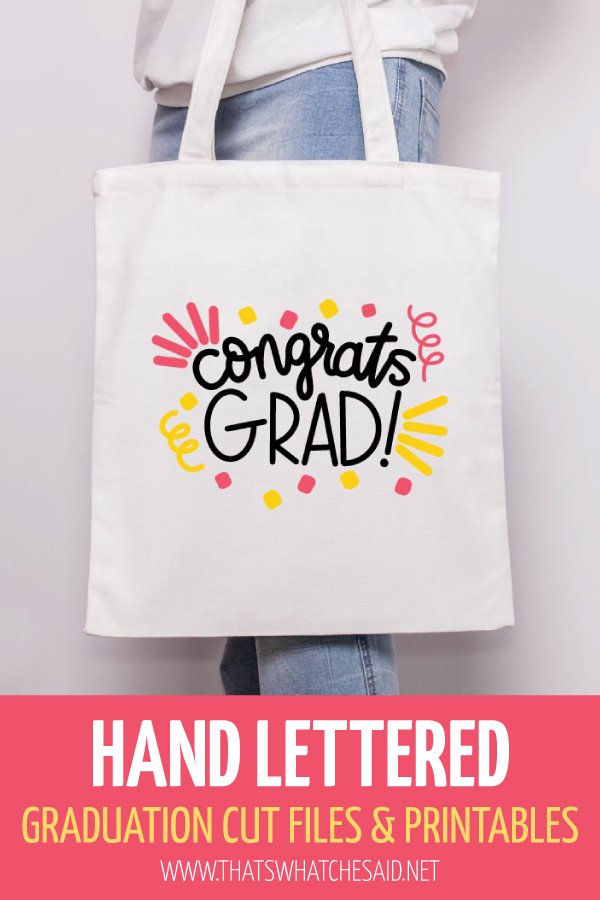
You can use the SVG and DXF files with your electronic cutting machines to make shirts, cards, totes, banners, etc. The provided JPG and PNG files are perfect for signs, cards and more!
The JPG and PNG files could also be used with your electronic cutting machines using the Print then Cut Feature!

This file was hand-lettered by me using my iPad Pro and Apple Pencil. This file is for personal use only!

This post may contain links to Amazon Associates and other affiliates.
As an Amazon affiliate, I earn a small commission from these links at no additional cost to you.
You may find some of my favorite blanks to personalize here. Shirts, hats, totes, tumblers and more!
MORE RESOURCE TUTORIALS THAT MAY HELP:
- How to Upload SVG into Cricut Design Space
- How to Upload SVG into Silhouette Studio
- Vinyl 101
- How to cut Vinyl on a Cricut
- How to cut Vinyl on a Silhouette
- How to Apply Vinyl
- How to Layer Vinyl the Easy Way
- Iron on/Heat Transfer Vinyl Basics
- How to cut Iron on with a Cricut
- How to cut Iron on with a Silhouette
- How to Correctly Apply Iron on
- How to Layer Iron on Correctly
- All about the EasyPress 2
- All about the HTVRONT Auto Heat Press 2
GET YOUR CONGRATS GRAD FILE HERE

Getting the freebie is easy! First, enter your email below to join my email community (AND gain access to my freebie library)!! After that, check your email for the files!
I use box.com to deliver my freebies safely!
There is no need to sign up for a box.com account!
Please see this FAQ post + Video on how to download my freebies.

This download is for personal use only!
Be sure to check out all my graduation posts:


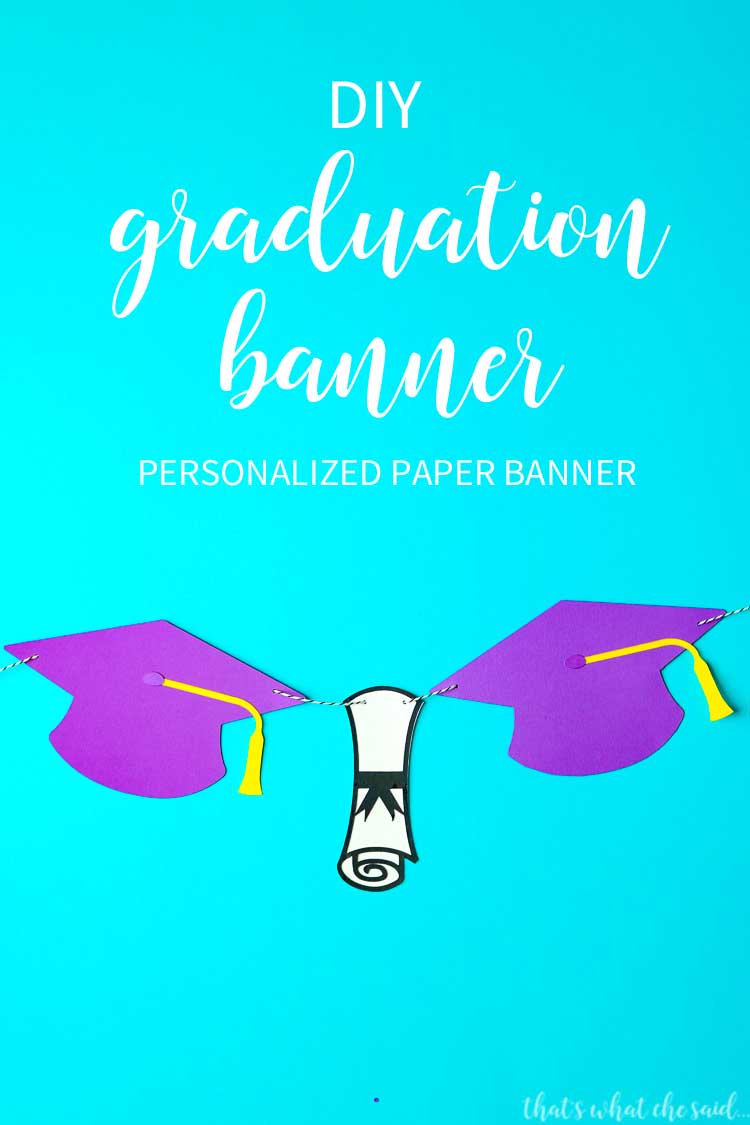




PIN GRADUATION SVG FILE









Leave A Reply!