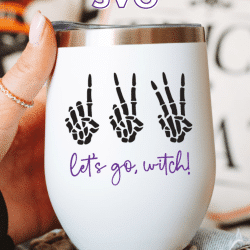
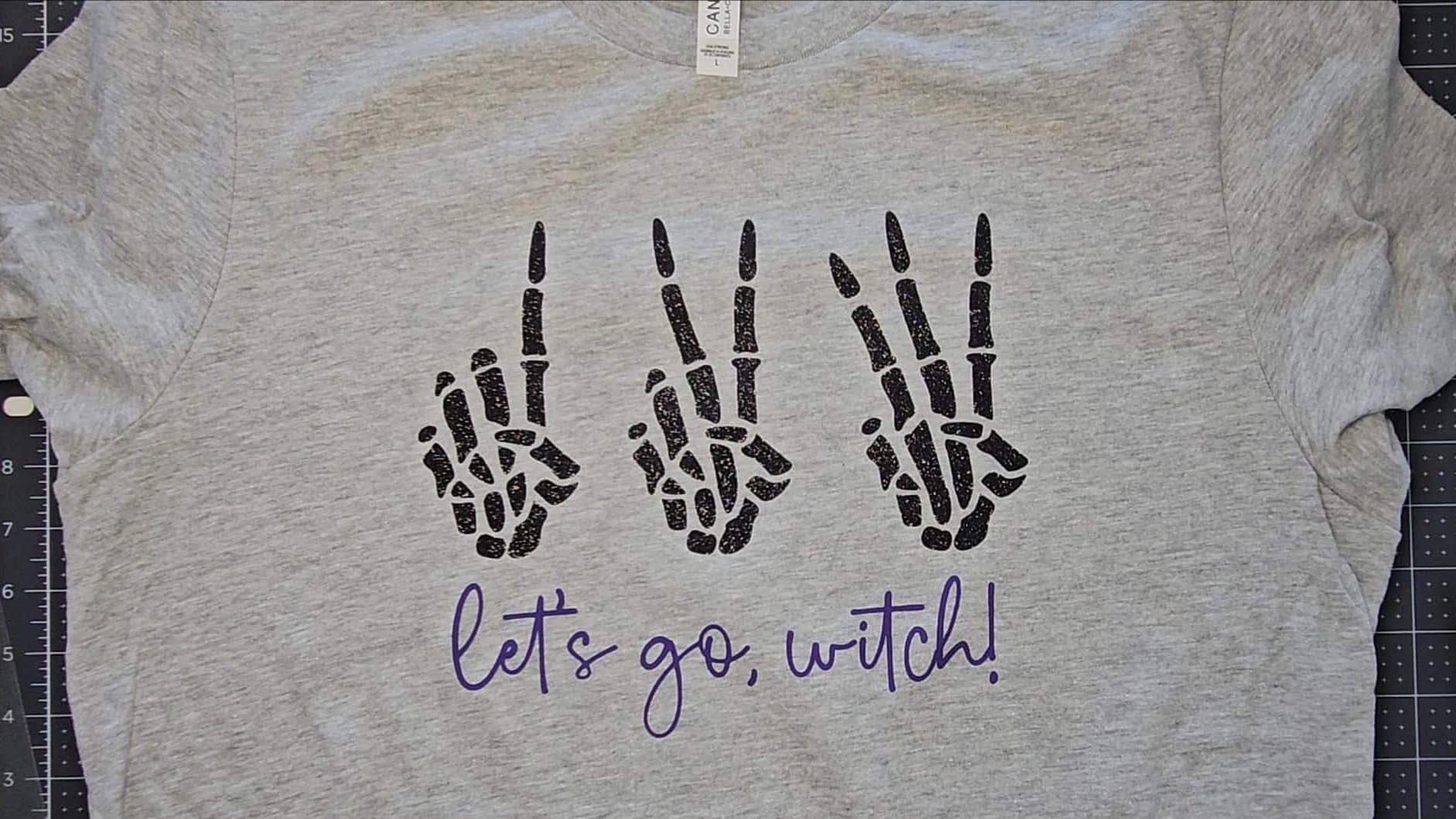
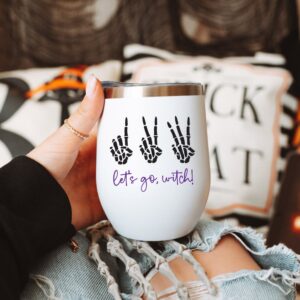
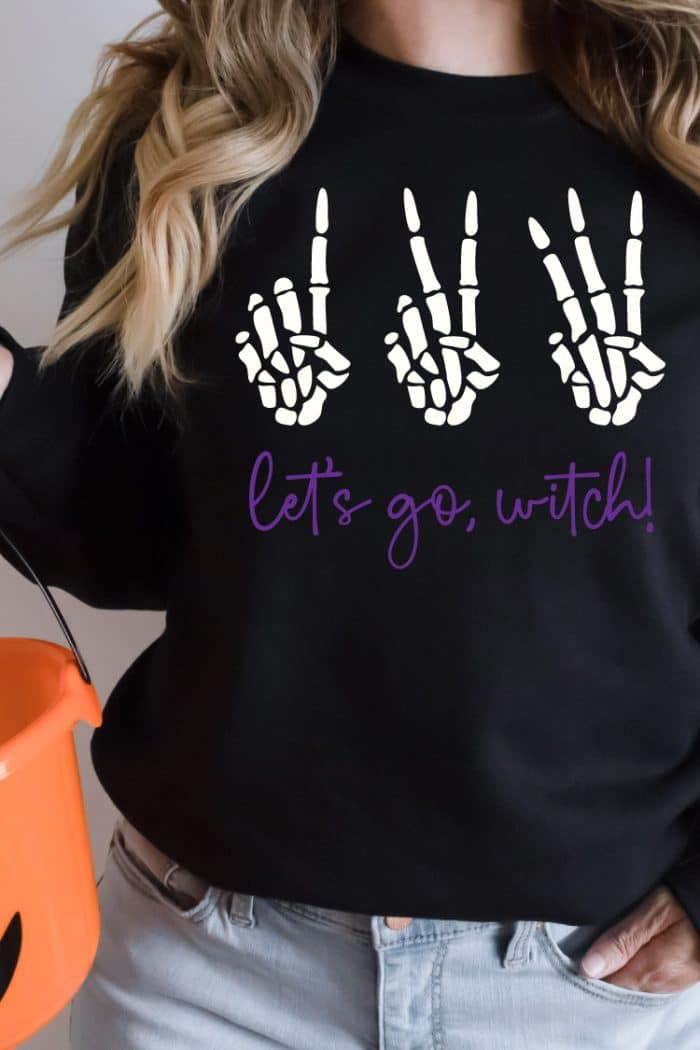
Where are my Swiftie Halloween lovers?? I know I am not the only one! A spooky take on a classic Swiftie fan chant, perfect for Halloween shirts, mugs, hats, and tumblers! Use this design file with your Cricut or Silhouette to cut iron-on or vinyl or with your sublimation printer to create the best Halloween shirt that is far from ‘delicate’ {wink}.
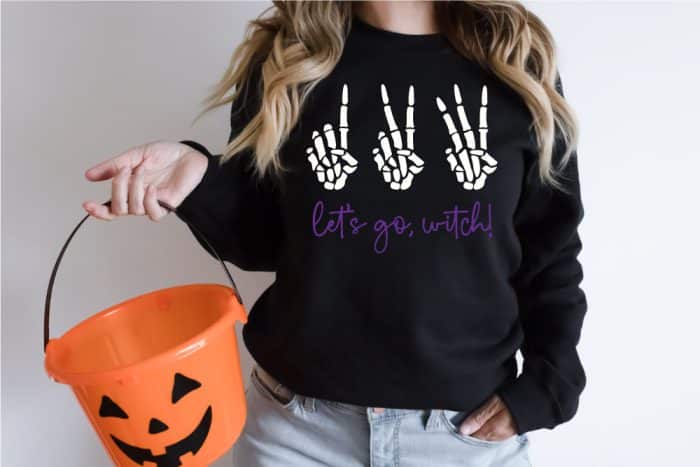
What’s the Delicate Fan Phrase?
There are several (and counting) fan phrases sung/yelled/chanted back to Taylor Swift as she sings her songs. The most famous may be the chant sung during the song “Delicate”. It’s near the beginning of the song and Taylor sings “We can’t make any promises now can we, babe? But you can make me a drink” to which fans scream “1, 2, 3, Let’s Go Bitch!”
We all know I am 1000% #teamtaylor, a proud, die-hard Swiftie (and Halloween lover) so this design just felt natural, lol!
Follow me on YouTube for more Cricut & Craft videos!
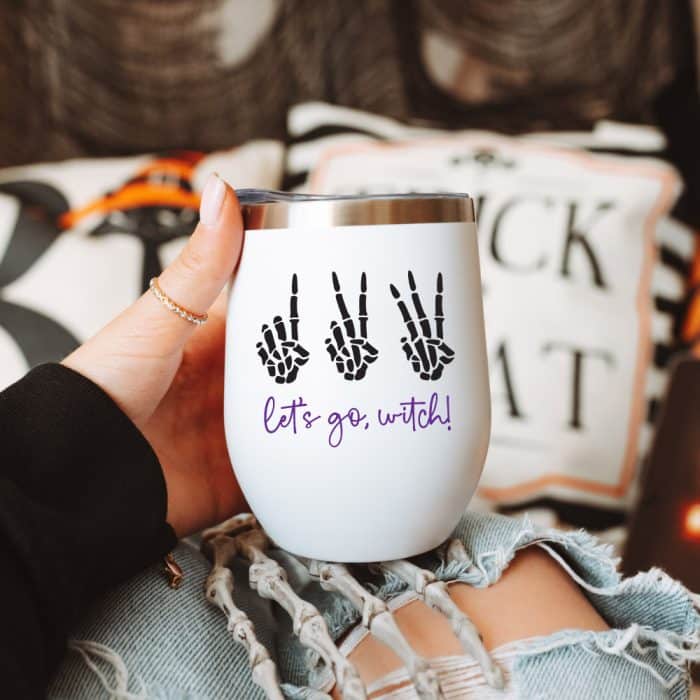
Supplies for 123 Let’s Go Witch Shirt
This post may contain links to Amazon Associates and other affiliates.
As an Amazon affiliate, I earn a small commission from these links at no additional cost to you.
I am going to share supplies and the tutorial for making an Iron-on shirt. Keep scrolling below to find tutorials for adhesive vinyl for tumblers and/or sublimation and infusible ink/sublimation sheets if you would prefer to make a project other than iron-on!
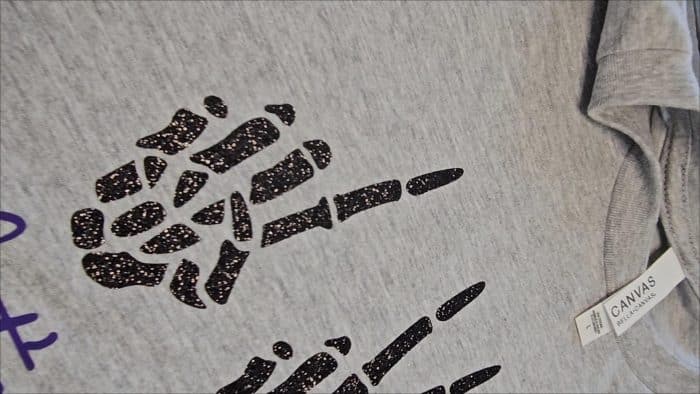
Iron-On T-shirt Supplies:
- Cricut or Silhouette or xTool M1 (using blade function)
- Your favorite Blank T-shirt (find mine here)
- Iron on in your choice of color(s)
- Weeding tool
- Cricut EasyPress 2 with Mat or HTVRONT Auto Heat Press 2
I needed to be extra and made mine with glitter iron-on. Another thought I had was to make this shirt color on color using glitter iron-on, for example, a black shirt with black glitter iron-on!
Iron-On Tutorials:
- How to Upload an SVG into Cricut Design Space
- How to Upload an SVG into Silhouette Studio
- Upload Files to xTool Creative Space
- Iron on/Heat Transfer Vinyl Basics
- How to cut Iron-on with a Cricut
- Cut Iron-on with a Silhouette
- How to Correctly Apply Iron-on
- How to Layer Iron on Correctly
- All about the EasyPress 2
- All about the HTVRONT Auto Heat Press 2
Find more tutorials and Iron-on Projects on my Iron-on Page
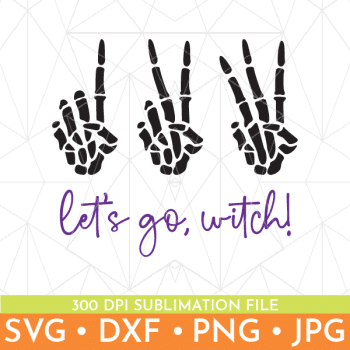
Find the 123 Let’s Go Witch SVG Here
Getting the freebie is easy! First, enter your email below to join my email community (AND gain access to my freebie library)!! After that, check your email for the files!
I use box.com to deliver my freebies safely!
There is no need to sign up for a box.com account!
Please see this FAQ post + Video on how to download my freebies.
This download is for personal use only!
Helpful Pages for Projects with Different Materials
Want to make a different type of project with this SVG design? No problem, check out these pages for supplies and tutorials to help make your project come to life!
You may also like:
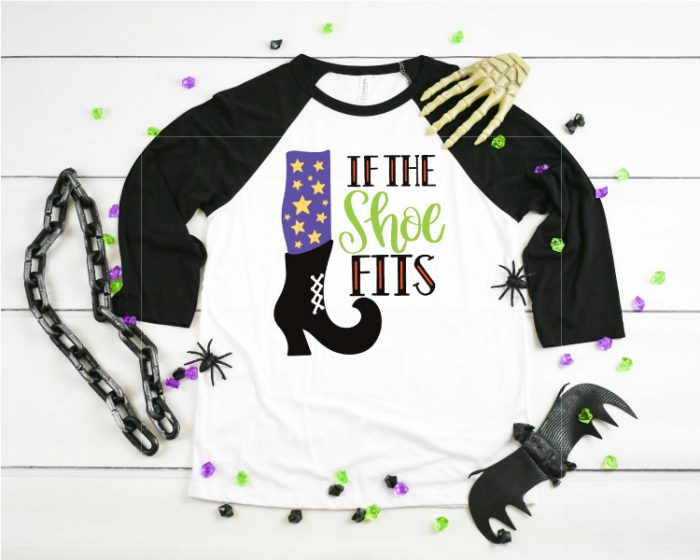
- If the Shoe Fits SVG
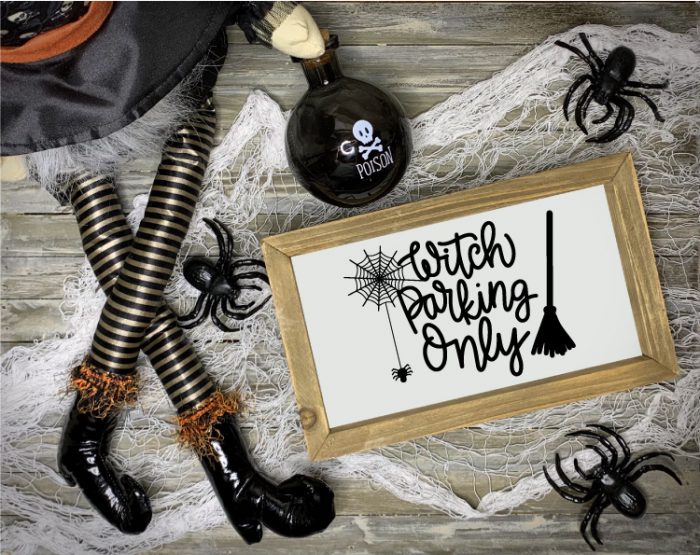
- Witch Parking Only SVG
- Drink up Witches
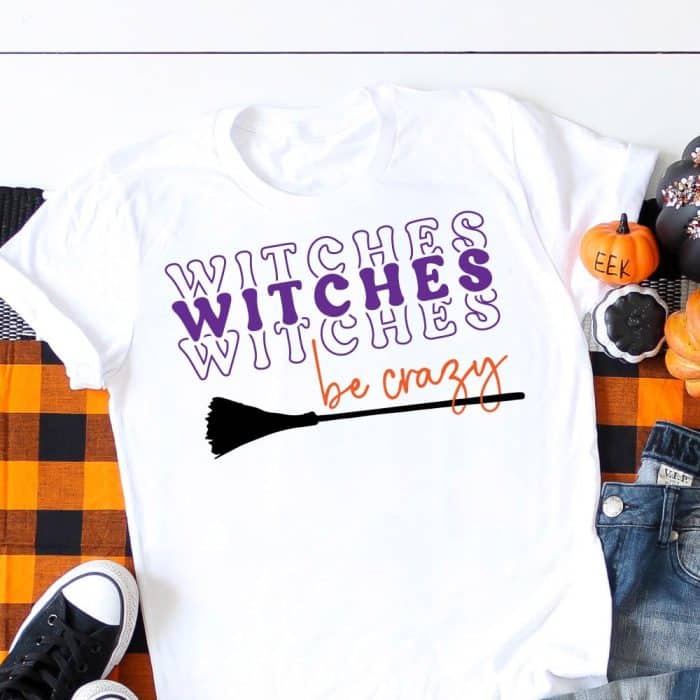
- Witches be crazy
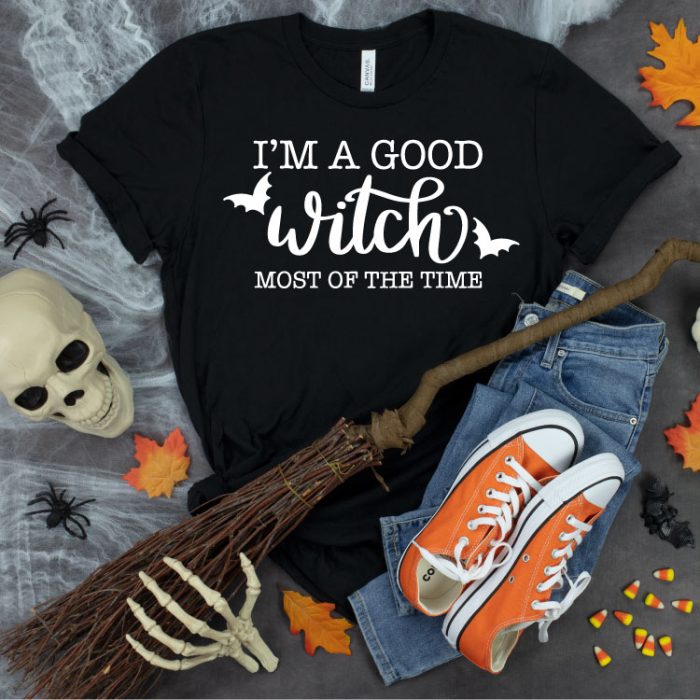
- I’m a good witch
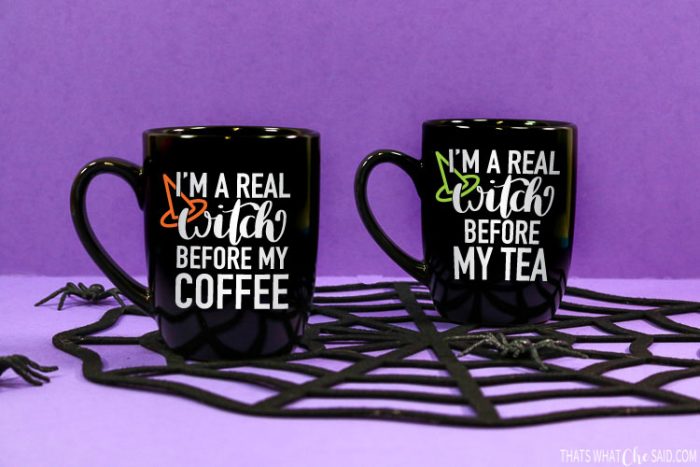
- Real Witch before coffee/tea/hot chocolate










Comments & Reviews
Missy says
Love this!!