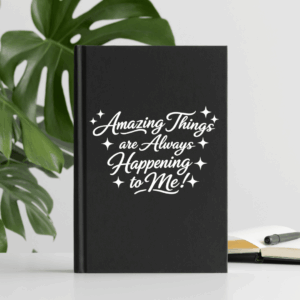
I don’t know about you, but sometimes I think we all need a little reminder that amazing things are happening—even when we can’t quite see them yet!
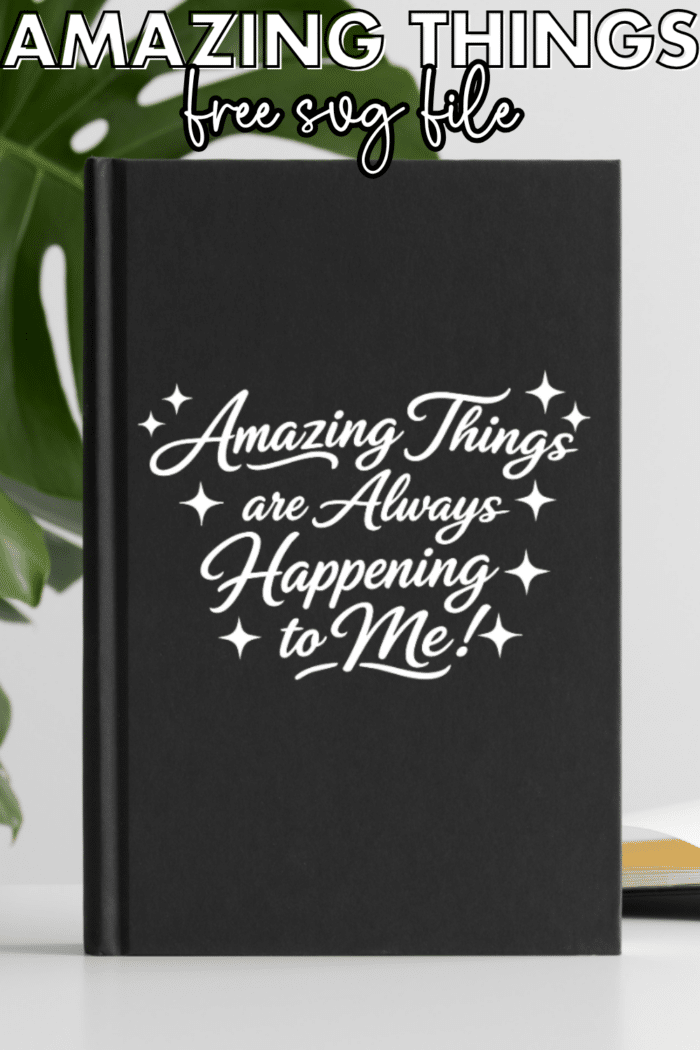
So I made this fun “Amazing Things are Always Happening to Me!” SVG as a little dose of positivity you can add to your favorite DIY projects. (Stay tuned because I have a really fun way to use this SVG coming up!)
The best part? It’s FREE! 🎉
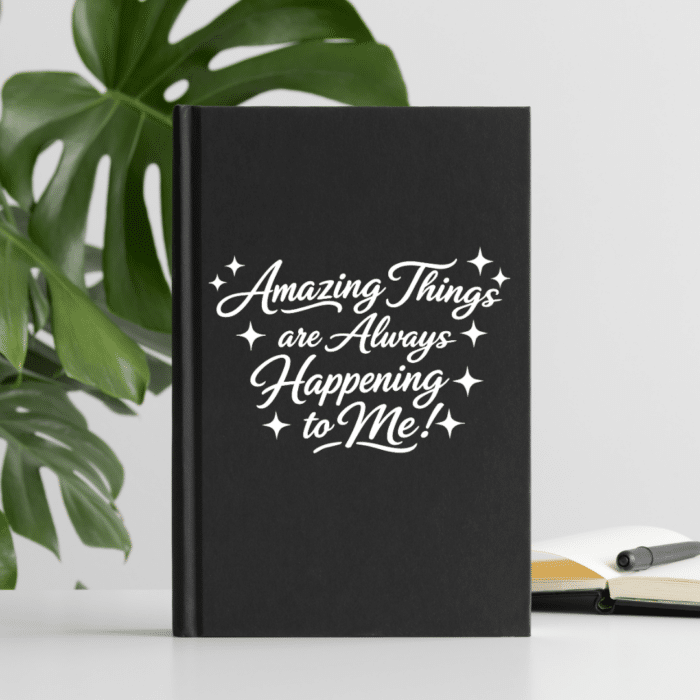
Whether you want to put it on a shirt, tumbler, notebook, sign, or somewhere else you can see it every day, this simple affirmation is a fun way to add a little encouragement to your crafting.
What Can I Make With This SVG?
So many things!
That’s one of my favorite parts about a good SVG. You aren’t limited to just one type of project. You can resize it and use it for all sorts of DIY projects.
Here are a few ideas:
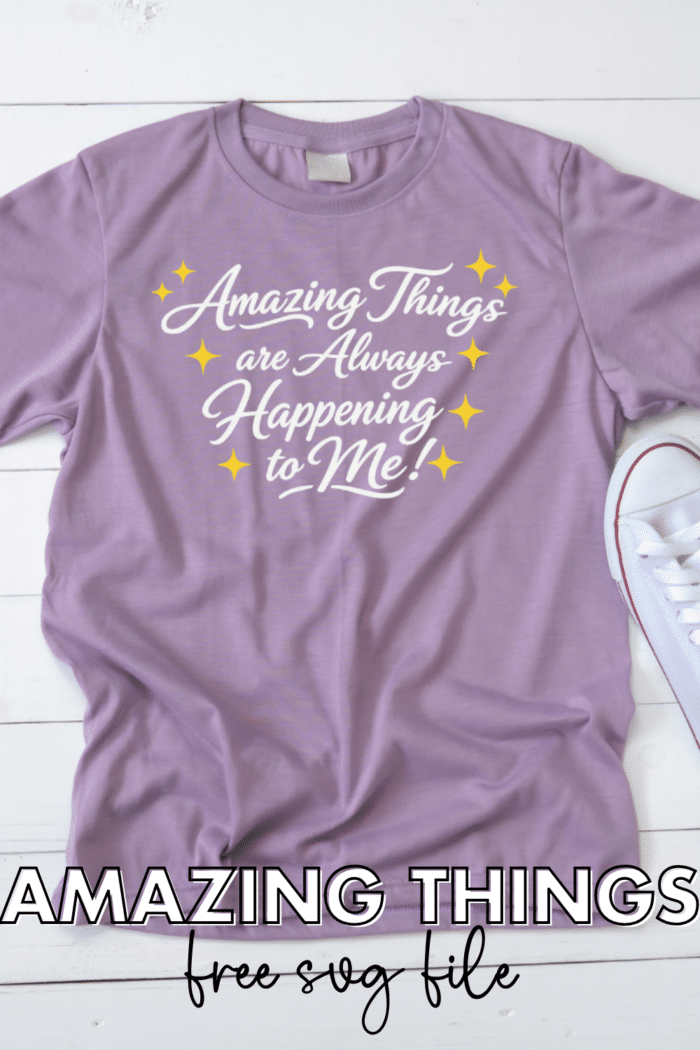
- 👕 T-shirts and sweatshirts – A cute little wearable reminder!
- 🥤 Tumblers and water bottles – Add some positivity to your daily hydration.
- 📓 Notebooks and journals – Perfect for a positivity journal or planner.
- 🖥️ Laptop or tablet decals – Because we could all use a little encouragement while we’re working.
- 🪧 Signs and home décor – Make a cute sign for your office, craft room, or bedroom.
- 👜 Tote bags – A fun way to carry your favorite affirmation with you.
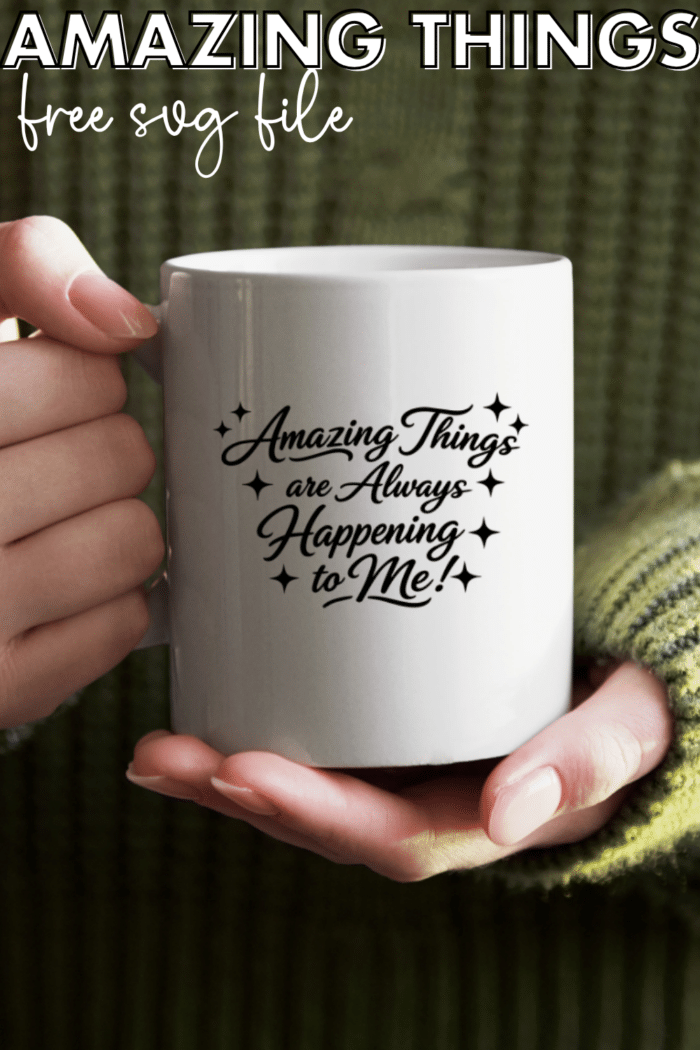
- ☕ Mugs – Because coffee and positive thoughts seem like a pretty good combination to me!
- 🎁 Gift projects – This would make a sweet handmade gift for a friend who could use a little encouragement.
And don’t feel like you have to stick with the original size. SVG files are scalable, so you can make the design larger or smaller without losing that crisp, clean look.
Using the SVG With Cricut Design Space
If you’re using a Cricut, uploading the file is super simple.
After downloading the SVG:
- Open Cricut Design Space.
- Start a new project.
- Click Upload.
- Choose Upload Image.
- Browse to the SVG you downloaded.
- Select the file and add it to your canvas.
- Resize the design to fit your project.
- Send it to your Cricut and start crafting!
A Quick Tip for Shirts
If you’re making a shirt with HTV (heat transfer vinyl), don’t forget to mirror your design before cutting!
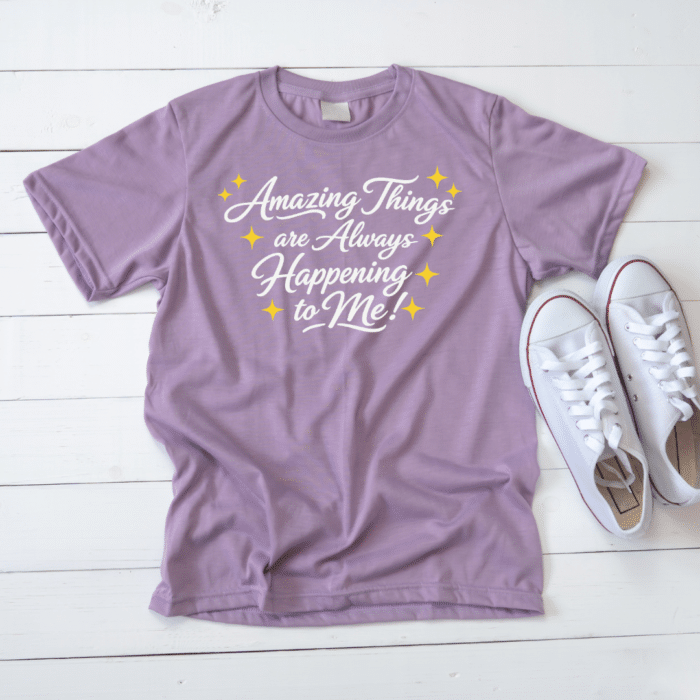
This is one of those tiny steps that is incredibly easy to forget—and incredibly annoying to remember after you’ve already cut your vinyl. Ask me how I know. 😉
You’ll also want to weed the design carefully around the little star details. They’re adorable, but those smaller pieces can be easy to overlook when you’re weeding.
Using It With Adhesive Vinyl
Making a decal instead?
You can use permanent or removable adhesive vinyl depending on your project. Not familiar with Adhesive Vinyl? Get everything about Adhesive Vinyl here.
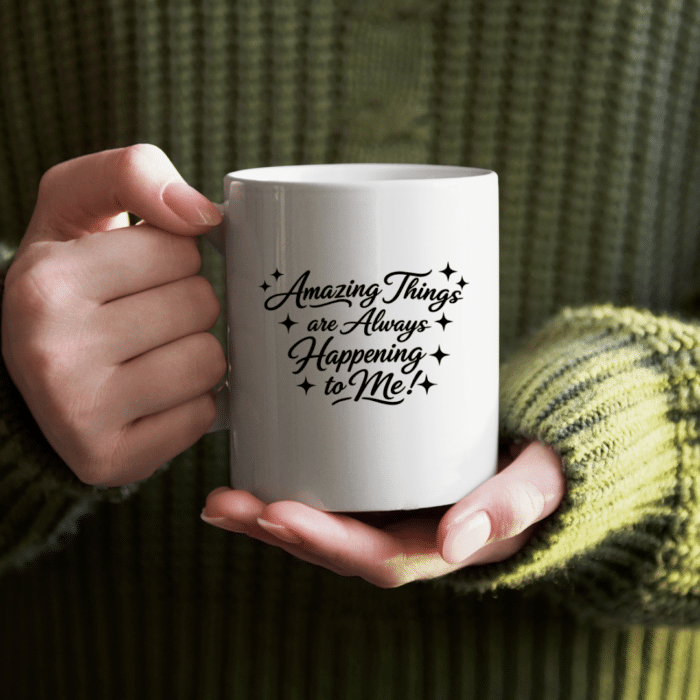
For something like a tumbler or water bottle that will get regular use, I’d choose a vinyl appropriate for that surface and follow the manufacturer’s application instructions.
And don’t forget to clean and dry your surface really well before applying your decal. Oils, dust, and fingerprints can make it harder for vinyl to stick.
Why I Love This Affirmation
There’s something I really like about the wording “Amazing Things are Always Happening to Me!”
It’s not just “something good might happen.”
It’s a reminder to look for the good stuff that’s already happening.
Sometimes amazing things are huge. Sometimes they’re tiny.
Maybe it’s a big accomplishment you’ve been working toward.
Maybe it’s a new opportunity.
Or maybe it’s simply having a really good cup of coffee while nobody asks you to share it. 😂
I’ll take all of the above!
Adding an affirmation like this to something you use every day is a fun way to keep that positive thought somewhere you’ll actually see it.
More Ways to Customize the Design
Since you’re working with an SVG, you can make this design your own!
Try:
- Changing the size to fit your project.
- Using a different vinyl color.
- Adding a background shape behind the design.
- Pairing it with other elements in Cricut Design Space.
- Using glitter, holographic, or specialty vinyl for extra sparkle.
- Adding it to a larger quote or sign design.
The four-point stars also make it easy to coordinate with other designs. You could even use the stars as little accents elsewhere on your project.
You can also use your Cricut, Silhouette or xTool cutter to create with this free svg.
A Few SVG Tips
If you’re new to SVG files, don’t let the terminology intimidate you!
SVG stands for Scalable Vector Graphic. Unlike a regular JPG or PNG, an SVG is designed to be resized while keeping the artwork crisp and clean. You can read all about SVGs here.
That’s why SVGs are so popular for cutting machines.
When you upload this file into your cutting software, your machine can recognize the individual shapes and lines and use them to create your cut.
If you select both layers and attach them, you can cut in one single color of vinyl!
Get the FREE Amazing Things SVG File Here
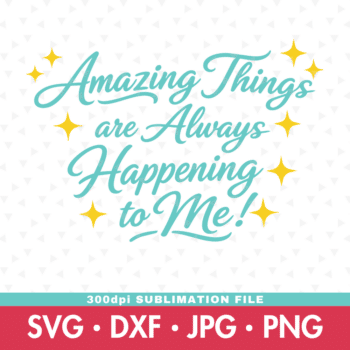
Getting the freebie is easy! First, enter your email below to join my email community (AND gain access to my freebie library)!! After that, check your email for the files!
I use box.com to deliver my freebies safely!
There is no need to sign up for a box.com account!
Please see this FAQ post + Video on how to download my freebies.
This download is for personal use only!
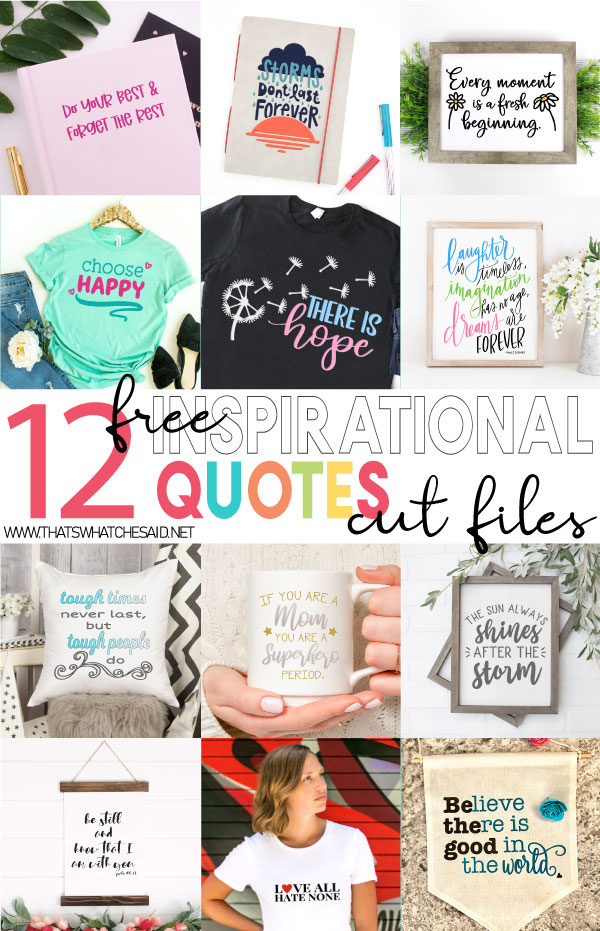
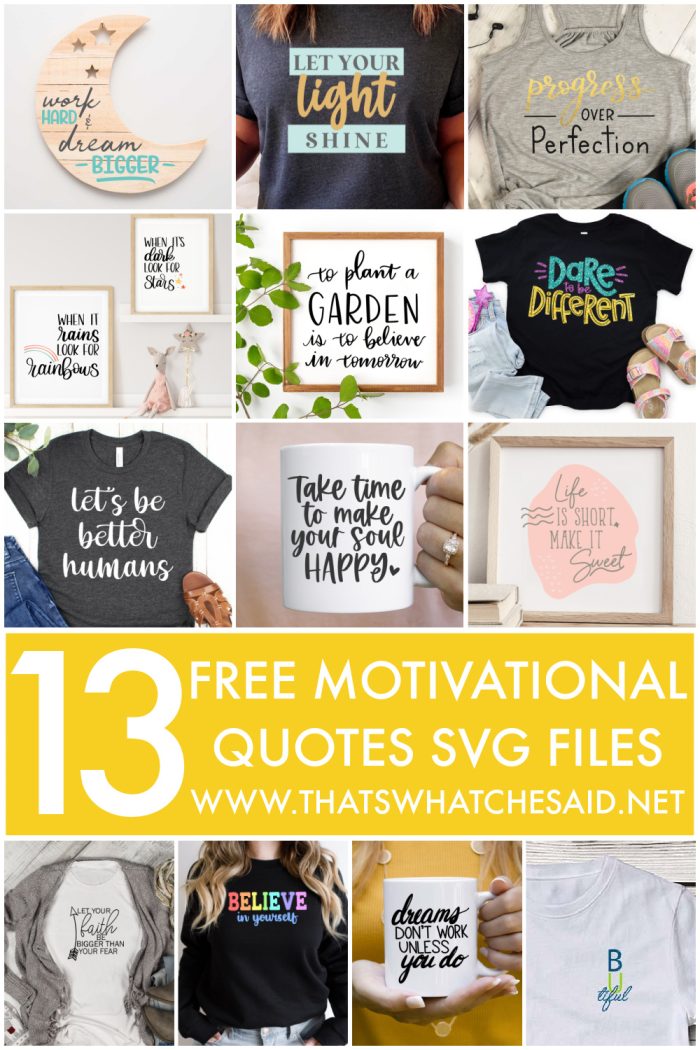
MORE INSPIRATIONAL FREE SVG DESIGNS
Click the images below to open the post and download!
Pin these images for later!








Leave A Reply!